What Are the Best Mesh Wi-Fi Systems for Large Homes?
Somewhere in every big house there is a room the Wi-Fi forgot. Maybe it is the guest bedroom over the garage, the basement office, or the far end of the kitchen where video calls freeze right as someone starts talking. A faster router rarely fixes it, because the problem lives in distance, walls and floors, and no amount of raw speed pushes a signal through three of those.
Mesh systems solve that by spreading several units around the home, and the boxes all promise to cover thousands of square feet. The fine print tells a stranger story. One of the most expensive kits here is rated for just 100 connected devices, fewer than the cheapest one. Another lists Wi-Fi 7 speeds but has no 6 GHz band at all. With the trustworthy numbers sorted from the marketing, picking a system for a large home gets much easier.
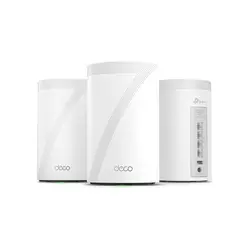
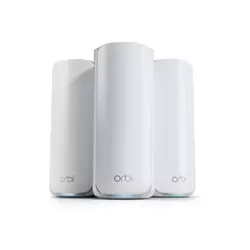
The two kits I would install first:
We may earn a small commission if you buy via our links - it helps keep gagadget.com running.
Table of Contents:
- Mesh Wi-Fi Buying Guide for Big Houses
- Five Mesh Kits Built for Square Footage
- Mesh Wi-Fi Comparison Table
- TP-Link Deco BE63
- NETGEAR Orbi 770
- Google Nest Wifi Pro
- Amazon eero Pro 7
- Tenda ME3 Pro BE3600
- Mesh Wi-Fi Questions From Big-House Owners
How to Choose Mesh Wi-Fi for a Big House: Buying Guide
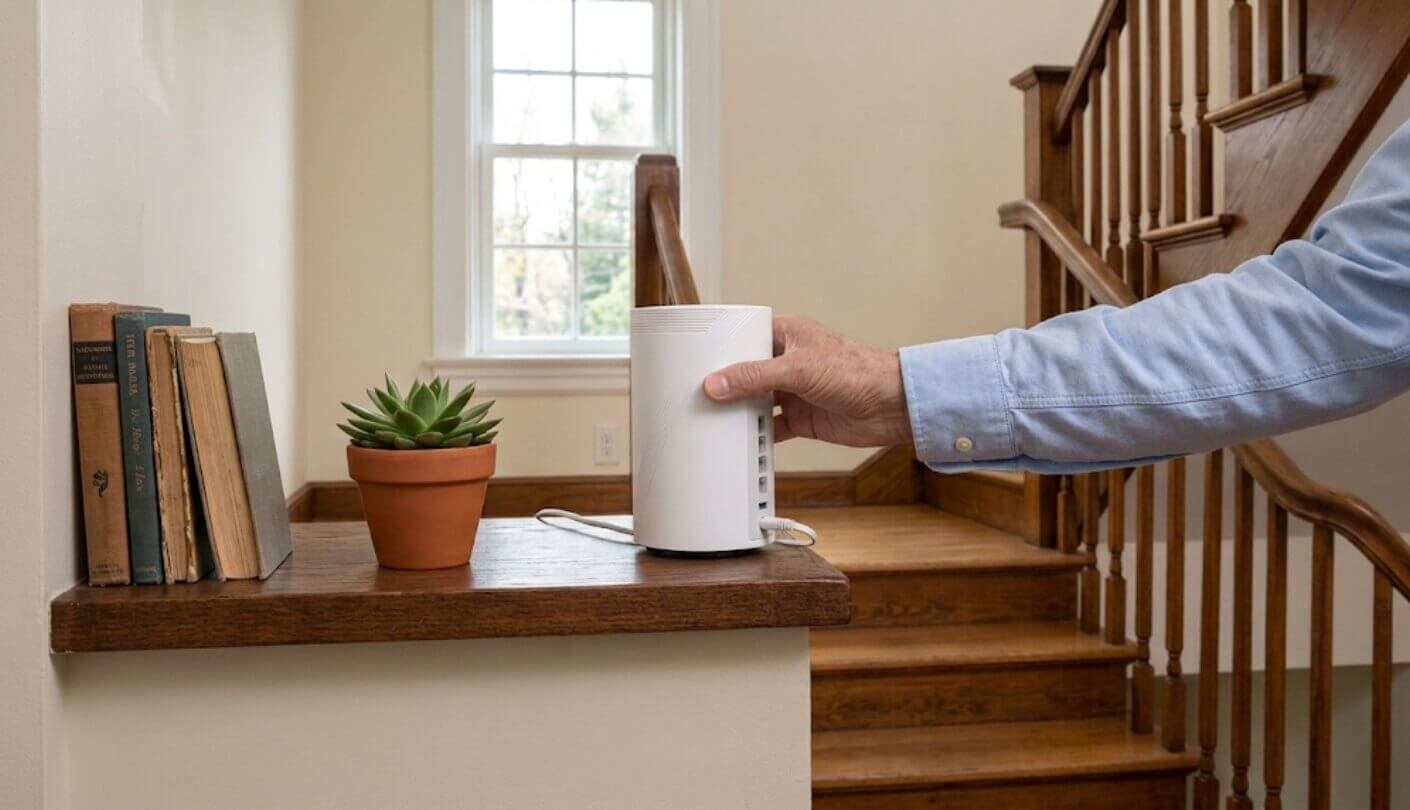
Large homes punish weak spots in a mesh system that a small apartment never exposes. Signals have to travel further, cross more floors and pass through more units on the way to your device. Each subsection that follows tackles the questions in the order I would ask them while standing in an actual house with a floor plan in hand.
Square Footage Claims Meet Your Floor Plan
Every coverage figure on a mesh box assumes an open layout, sensible placement and walls made of drywall. Brick, stone, plaster with metal lath, concrete floors and large mirrors all eat into those numbers. One retailer that sells the eero Pro 7 openly notes that eero rates each unit for 2,000 square feet, but around 1,500 is more realistic in a typical drywall home. That candor applies to every brand. Floors cost even more than walls, since a signal heading upstairs often crosses joists, ductwork and sometimes metal pipes or foil-backed insulation on the way.
Treat the square footage on the box as a best case for an empty, open house. Count floors and thick walls first, then buy one more unit than the math suggests if your home is long or narrow.
Shape matters as much as size. A compact two-story house of 5,000 square feet is easier to cover than a sprawling single-story ranch of the same area, because the units can sit closer together vertically. I sketch the house, mark the modem, then place satellites roughly halfway to the worst dead zone, never inside it, since a unit in a dead zone has nothing strong to repeat.
Backhaul Is the Link You Never See
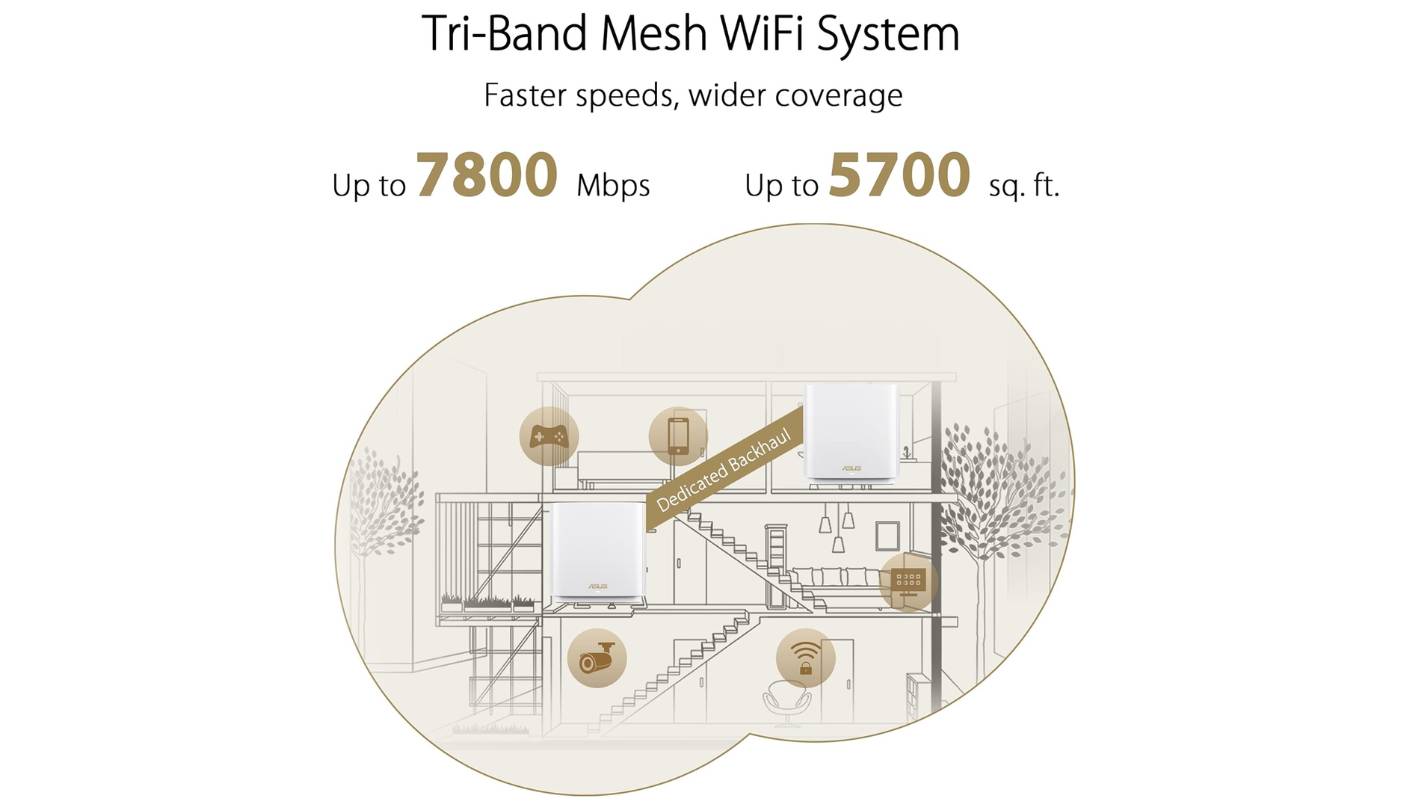
Backhaul is the connection between mesh units, and in a big house it decides more than any speed rating. A dual-band system shares its 5 GHz radio between your devices and the link back to the main unit, so throughput drops with every wireless hop. Tri-band systems add a third radio, usually on 6 GHz under Wi-Fi 7 or 6E, which gives the units a faster lane to talk to each other. Multi-Link Operation, a Wi-Fi 7 feature, can also spread traffic across more than one band at once, which helps a satellite hold its speed when one band gets crowded or noisy.
Wired backhaul beats both. If your home already has Ethernet in a few rooms, plugging satellites into those jacks removes the wireless hop entirely. Four of these five systems advertise faster-than-gigabit wired ports, and TP-Link can even run wired and wireless backhaul at the same time. I would always run one cable to the farthest unit before buying a pricier kit, because a single wire often does more than a whole generation of Wi-Fi.
Wired Ports and the Internet Plan You Pay For
Multi-gig fiber and cable plans are common now, and a mesh system with only gigabit ports quietly caps them. A 2.5G port handles plans up to roughly 2.5 Gbps, and a 5 GbE port leaves headroom beyond that. The same ports matter for desktops, consoles and network storage plugged into the satellites.
Match the main unit's internet port to your plan before anything else. A 2 Gbps plan feeding a gigabit port wastes half of what you pay for every month.
Count the spare ports too. A satellite in a home office might need to feed a PC, a printer and a dock, and two ports run out quickly. A small unmanaged switch is a cheap fix, though it adds another box and another power cable. I keep one in a drawer for exactly this reason, since home offices always grow a few more wired gadgets than anyone plans for.
Device Counts and Smart Home Radios
Large homes tend to carry large device counts: phones, laptops, TVs, cameras, doorbells, thermostats, plugs and dozens of bulbs. Makers publish very different ceilings for their kits, from 100 concurrent devices on the Orbi 770 to more than 600 on a three-pack of eero Pro 7. Each company sets those ceilings through its own testing, so treat them as rough guidance. Before shopping, open your current router's app or web page and count what is connected on a busy evening. Most people are surprised by the total, and that number is the one to compare against each kit's rating.
Smart home radios can take load off Wi-Fi altogether. A Thread border router lets Thread devices form their own low-power network, and Matter ties devices from different brands together. Google's Nest Wifi Pro and the eero Pro 7 both act as Thread border routers, and eero adds a Zigbee hub on top. I moved my sensors to Thread last year, and the Wi-Fi device list got noticeably shorter and easier to manage.
Apps, Subscriptions and What You Get Free
Mesh systems are managed through phone apps, and the app is where you will spend your time after setup. Look for clear device lists, guest networks, parental controls and a way to see which unit each device is using. A separate network for smart home gadgets, which the Orbi 770 offers, keeps cheap IoT hardware apart from laptops and phones. Automatic firmware updates matter too, because a mesh system sits on your network for years and security patches only help if they actually install.
Check which features sit behind a subscription before you buy. Security filtering and advanced parental controls often need a monthly plan on top of the hardware.
TP-Link sells a Pro tier of its HomeShield security service, Netgear offers Armor powered by Bitdefender, and eero sells eero Plus. All three are optional, and the basic network runs fine without them. I would test the free features for a month before paying for anything, because many households never touch the extras once the dead zones are gone. Guest networks, device lists and basic scheduling are usually free on every brand, and those are the tools most families use week to week.
Five Mesh Kits Built for Square Footage
Coverage claims, backhaul design, wired port speeds and device ceilings set the order here, with the app experience as a tiebreaker. Every kit is a three-pack, the configuration large homes actually need, and price was left out because all five swing widely during sales. Wi-Fi 7 hardware took the top spots, but one Wi-Fi 6E kit won its spot through smart home support, which matters in big houses packed with sensors and plugs.
- Four 2.5G Ports Each
- 7,600 Sq Ft Rating
- Hybrid Wired Backhaul
- 320 MHz Channels
- USB 3.0 Port
- 8,000 Sq Ft Rating
- 11 Gbps Summed Speed
- 2.5G Wired Backhaul
- Separate IoT Network
- Armor Trial Included

- Thread Border Router
- 300-Device Rating
- AFC-Ready 6 GHz
- Auto-QoS For Calls
- Matter Support
- Two 5 GbE Ports
- 600+ Device Rating
- Built-In Zigbee Hub
- Thread And Matter
- Free Daily Support
- Wi-Fi 7 With MLO
- 2.5G Port Included
- 160+ Device Rating
- VPN Support
- Lowest Price Here
Mesh Wi-Fi Comparison Table
All figures are manufacturer claims for a three-unit system. The speed row needs a careful read, since brands report it in different ways:
| Specification | TP-Link Deco BE63 | NETGEAR Orbi 770 | Google Nest Wifi Pro | Amazon eero Pro 7 | Tenda ME3 Pro |
| Wi-Fi Standard and Bands | Wi-Fi 7, tri-band (2.4, 5, 6 GHz) | Wi-Fi 7, tri-band (2.4, 5, 6 GHz) | Wi-Fi 6E, tri-band (2.4, 5, 6 GHz) | Wi-Fi 7, tri-band (2.4, 5, 6 GHz) | Wi-Fi 7, dual-band (2.4, 5 GHz) |
| Rated Wireless Speed | BE10000 class, about 10 Gbps summed across bands | 11 Gbps summed (5,760 + 4,320 + 688 Mbps) | 4.2 Gbps combined across bands | Up to 3.9 Gbps (single figure, no per-band split) | 3.6 Gbps summed (2,882 + 688 Mbps) |
| Rated Coverage | 7,600 sq ft | 8,000 sq ft | 6,600 sq ft | 6,000 sq ft | 6,600 sq ft |
| Rated Device Count | 200+ | 100 | 300 | 600+ | 160+ |
| Ethernet Ports Per Unit | 4 x 2.5G | 2 x 2.5G LAN, plus 2.5G WAN on the router | 2 x 1G | 2 x 5G | 1 x 2.5G + 2 x 1G |
| Management App | Deco app | Orbi app | Google Home | eero app | Tenda Wi-Fi app |
| Standout Extra | Wired and wireless backhaul at once | Separate IoT network | AFC-ready 6 GHz radio | Built-in Zigbee hub | Wi-Fi 7 MLO at the lowest price here |
Speed figures line up less neatly than they look. TP-Link, Netgear and Tenda sum the maximum rates of every band, Google quotes a combined figure, and eero publishes one wireless number without a per-band breakdown, so the eero cell cannot be compared like for like with the rest. The port and device rows tell you more about life in a big house. The eero's 5G ports and 600-device rating stand out, the Orbi's 100-device ceiling deserves attention, and the Nest's gigabit ports set a hard limit on multi-gig plans.
TP-Link Deco BE63 Review
Editor's Choice
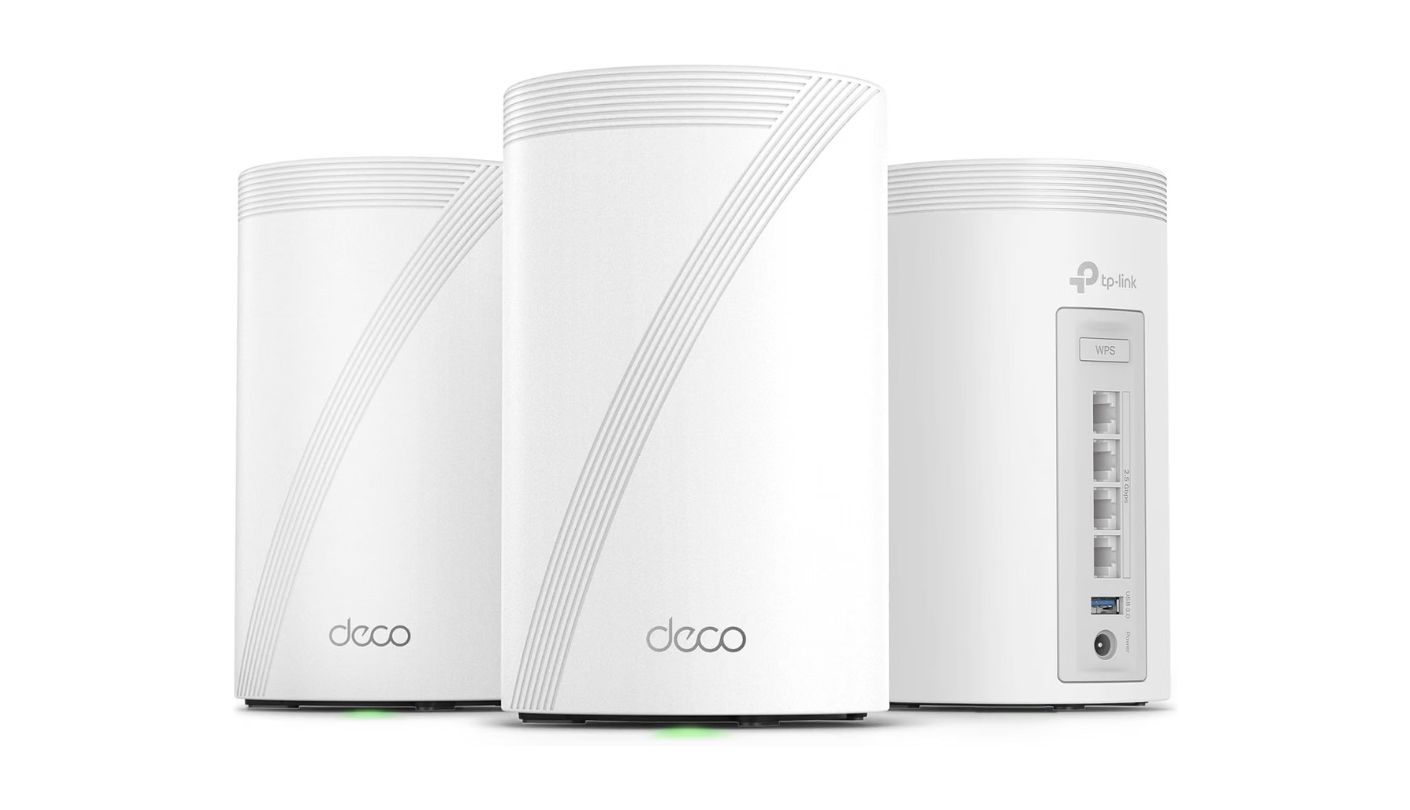
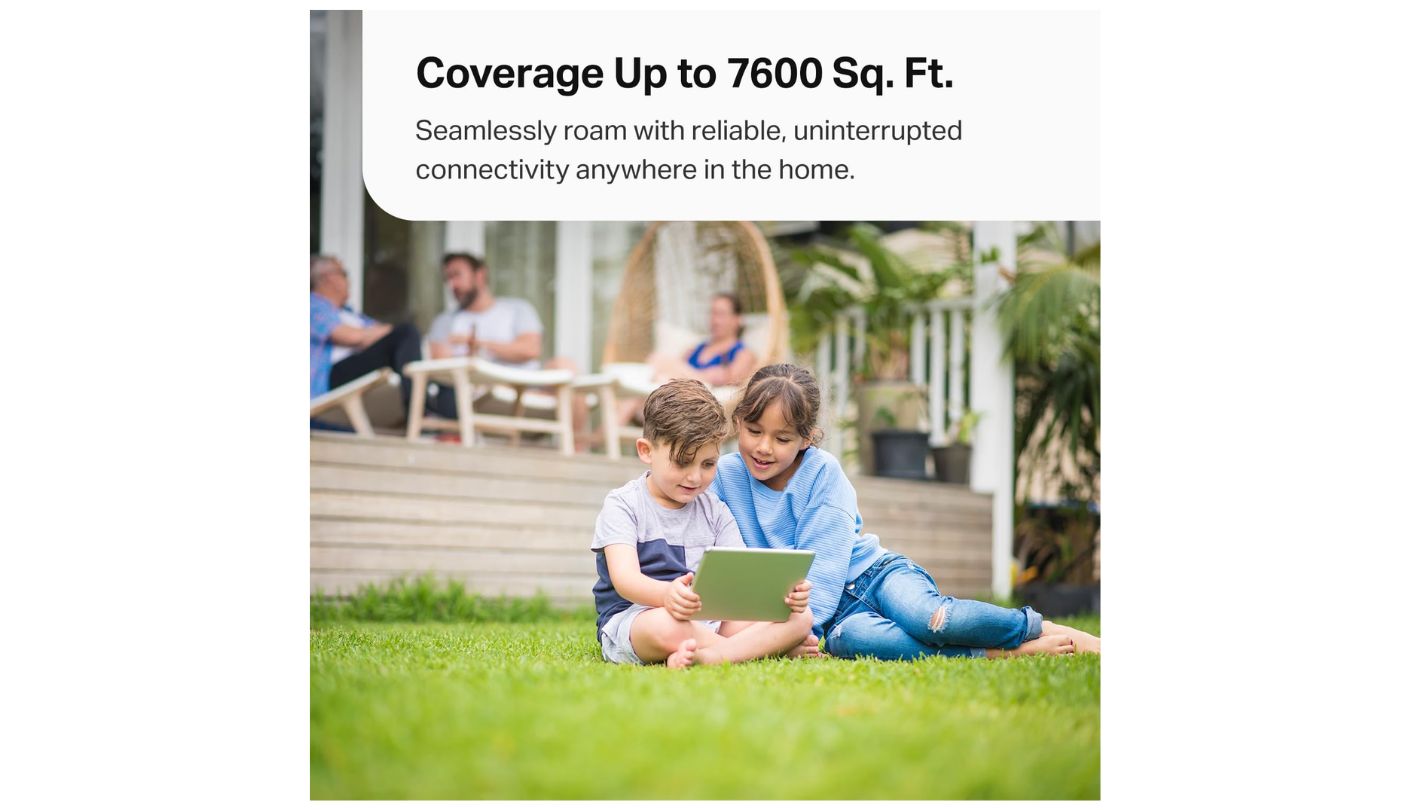
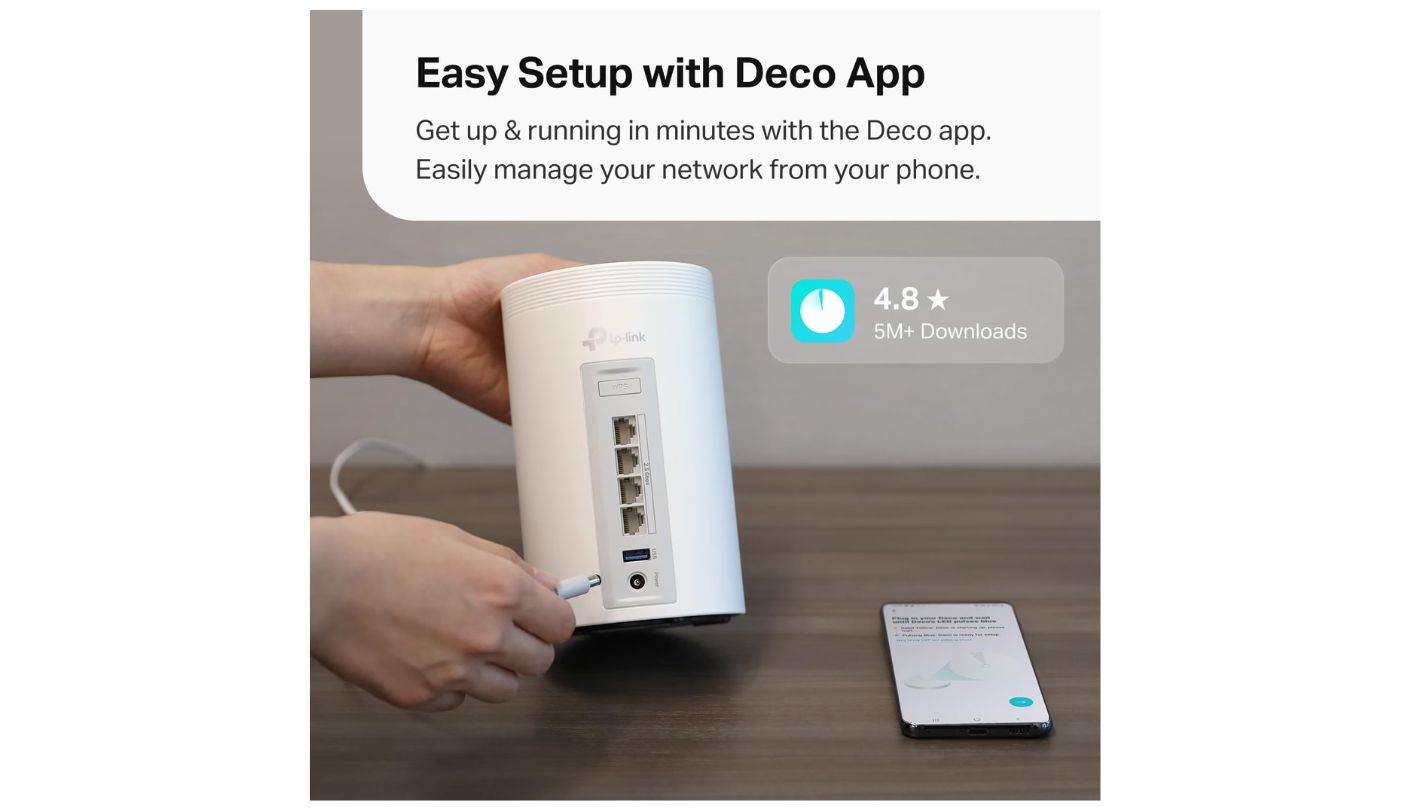
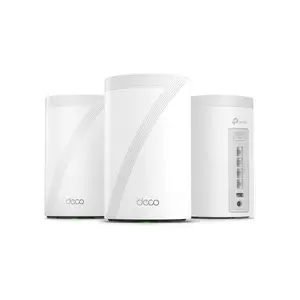
A neighbor once asked me to look at his broken laptop, which dropped every video call in his upstairs office and worked perfectly the moment he carried it to the kitchen. Nothing was wrong with the laptop. The TP-Link Deco BE63 is the kind of kit that fixes that house for good. Three units are rated for 7,600 square feet and more than 200 devices, and each one carries enough wired ports to anchor a home office or an entertainment center on its own. That balance of reach, device capacity and wiring flexibility is why this kit wears the Editor's Choice badge.
The wireless side is tri-band Wi-Fi 7 in the BE10000 class, with Multi-Link Operation, Multi-RUs, 4K-QAM and 320 MHz channels on the 6 GHz band. MLO lets the units and compatible devices use more than one band at once, so a congested band no longer drags the whole connection down. For mesh links between units, the 6 GHz radio gives the system a fast extra path for backhaul.
Ports are where the Deco outnumbers every rival here. Every unit has four 2.5G Ethernet ports and a USB 3.0 port, so you can wire a desktop, a console and a NAS at a satellite without a switch. TP-Link's own technology also runs wired and wireless backhaul simultaneously, which suits homes with Ethernet in some rooms and none in others. VPN connections can run alongside the normal internet connection as well, so a work laptop can stay on a company tunnel while the rest of the house browses normally.
The name on the box can confuse shoppers. Amazon and TP-Link's own store list this kit as both the Deco BE63 and the Deco 7 Pro, and they are the same hardware. The Deco app handles setup and day-to-day control, and HomeShield adds security and parental controls, with the more advanced Pro features sold as a subscription. The 200-device rating is solid, though the eero three-pack is rated for far more. For a typical family with a moderate smart home, 200 leaves plenty of room, and only households with large camera and sensor setups are likely to push against it.
Few mesh kits combine this much port speed, coverage and Wi-Fi 7 hardware in one box. Four 2.5G ports per unit cover nearly any wired setup a family builds over the next few years, and the simultaneous backhaul makes the most of whatever cables a house already has. I would put this on the shortlist of anyone who owns a large home and a multi-gig plan.
Pros:
- Four 2.5G Ports Each
- 7,600 Sq Ft Rating
- Hybrid Wired Backhaul
- 320 MHz Channels
- USB 3.0 Port
Cons:
- HomeShield Pro Costs Extra
- Trails eero On Devices
Summary: The most flexible wired setup in this lineup, paired with tri-band Wi-Fi 7 and generous coverage. A NAS, a gaming PC or a smart TV placed far from the modem can still get a 2.5G wired link from the nearest unit.
NETGEAR Orbi 770 Review
Best Overall
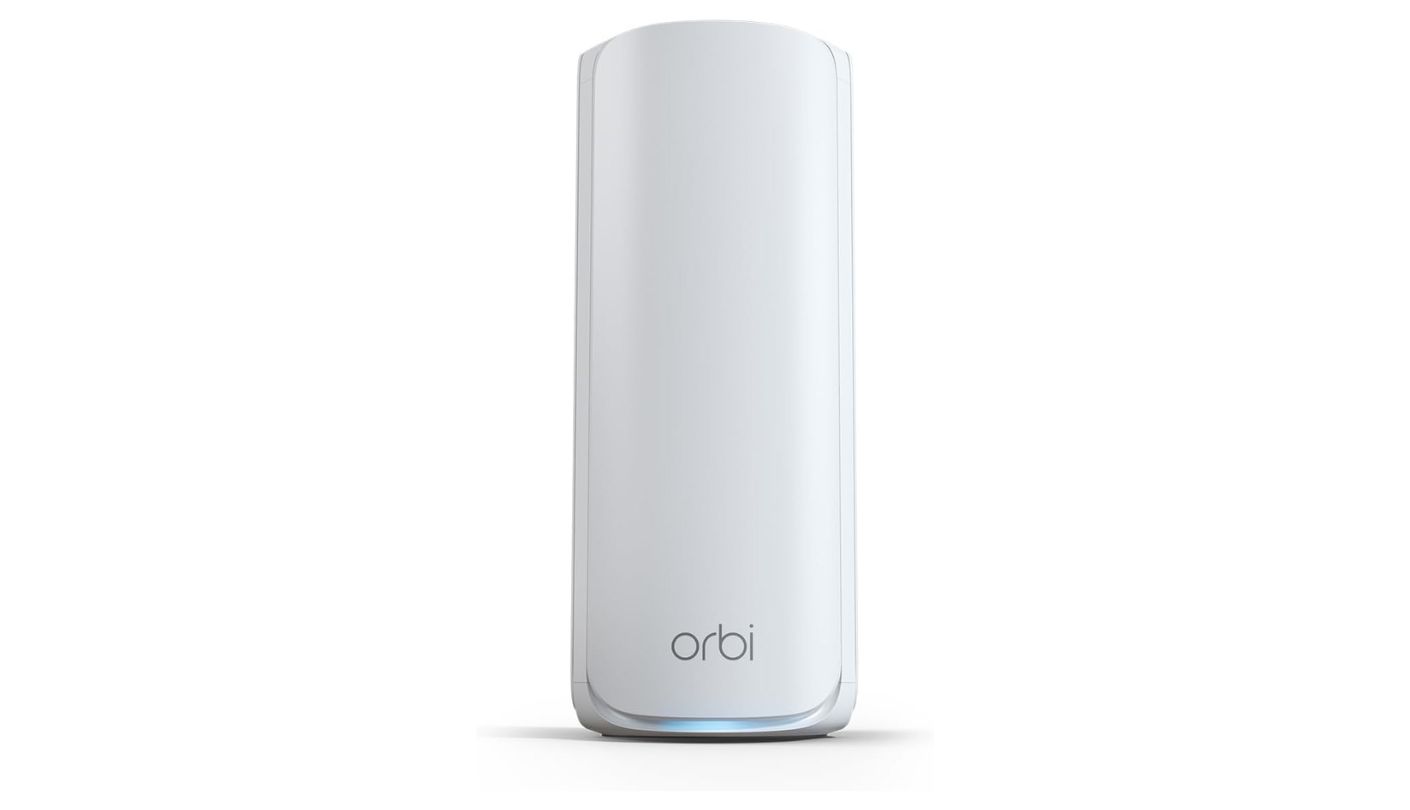
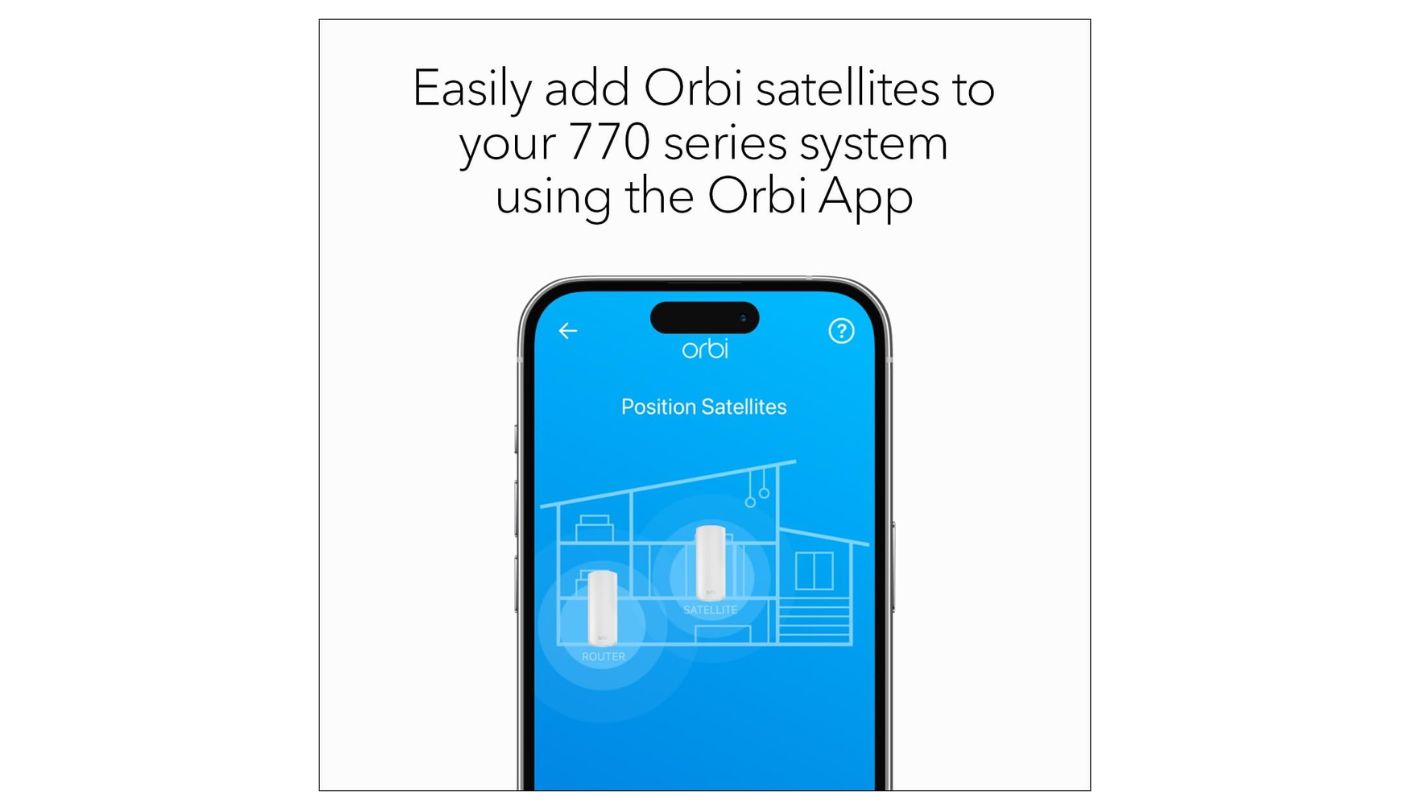
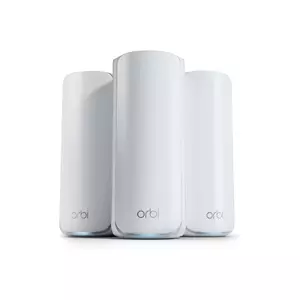
Netgear rates the NETGEAR Orbi 770 three-pack for 8,000 square feet, more than any other kit in this roundup. Its speed figure is also the highest at 11 Gbps, which Netgear breaks down as 5,760 Mbps on 6 GHz, 4,320 Mbps on 5 GHz and 688 Mbps on 2.4 GHz. For a sprawling single-story house or a tall three-floor one, those two numbers carry real weight.
The Orbi line has long been built around strong backhaul, and the 770 continues that habit with tri-band Wi-Fi 7 and what Netgear calls Enhanced Backhaul. Netgear describes the antenna array as 360-degree, built to spread signal evenly around each unit. Where Ethernet exists, a 2.5 Gig wired backhaul option lets you skip the wireless hop altogether. In a house with a cable run to the far wing, the farthest satellite stops depending on a wireless hop at all.
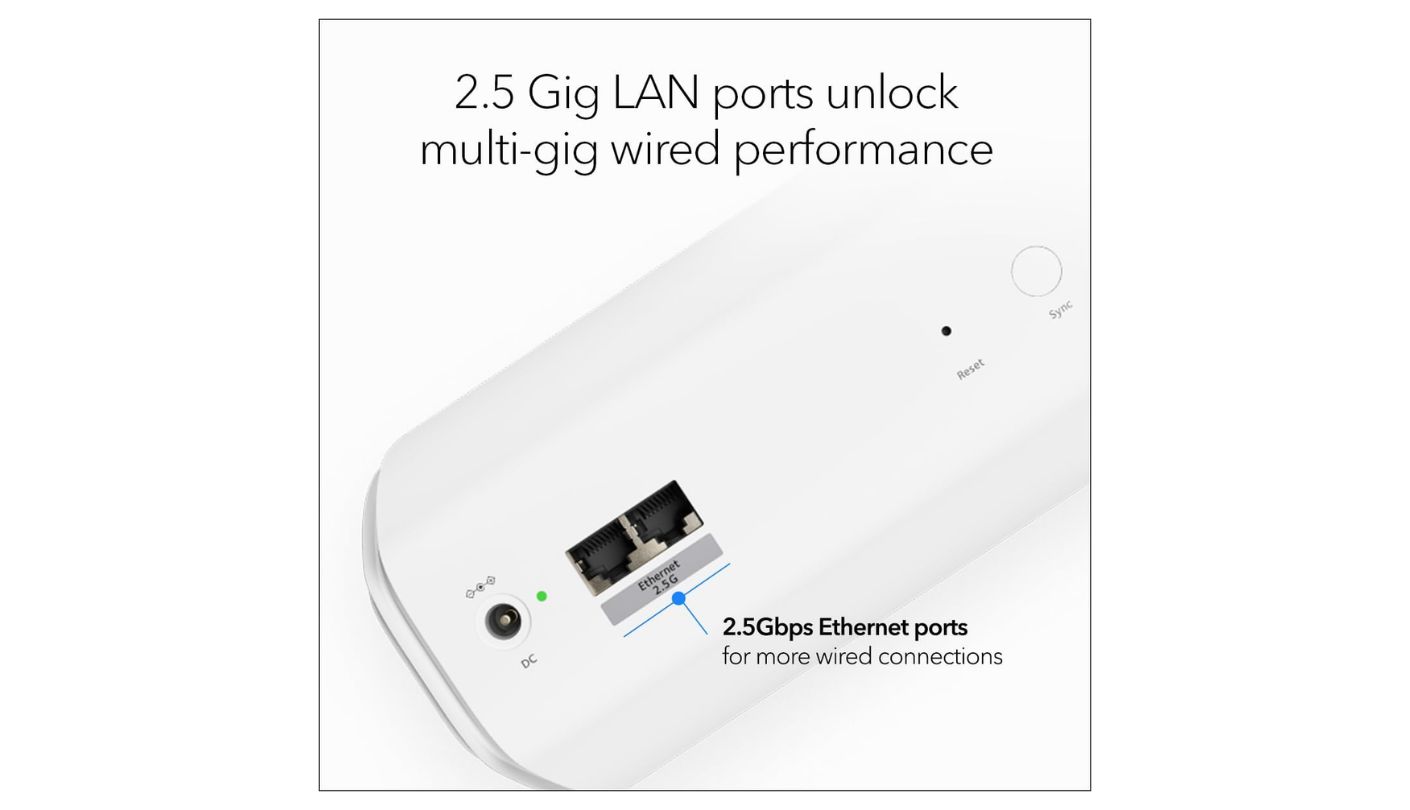
Each unit carries two 2.5G LAN ports, and the router adds a 2.5G internet port for multi-gig plans. The Orbi app separates a main network from an IoT network, which keeps smart plugs and cameras off the same network as your laptops. Netgear Armor, powered by Bitdefender, adds threat protection and a VPN as an optional subscription, and the box includes a 30-day trial.
The figure to check before buying is the device rating. Netgear lists the three-pack for 100 concurrent devices, the lowest number in the table and below even the budget Tenda's 160+. Brands calculate these ceilings differently, but a house packed with smart bulbs, cameras and tablets can approach 100 faster than people expect. There is also no port faster than 2.5G, so plans above that speed hit a ceiling. Moving sensors and switches onto a separate smart home hub is one way to keep the Wi-Fi device count in check if you get close.
Best Overall comes down to coverage and raw wireless capacity, the two things a large home strains hardest. If your device count sits comfortably below 100 and your internet plan tops out at 2.5 Gbps, few systems will fill a big house as completely. Families with a smart home that keeps growing should compare the device row against the eero first. The Orbi's tidy white towers also blend into most rooms, which matters when a unit has to sit on a living room shelf in plain view.
Pros:
- 8,000 Sq Ft Rating
- 11 Gbps Summed Speed
- 2.5G Wired Backhaul
- Separate IoT Network
- Armor Trial Included
Cons:
- 100-Device Rating
- No Port Above 2.5G
Summary: The widest rated coverage and highest summed speed in this lineup, built on Netgear's long focus on mesh backhaul. Tall homes gain the most, because a 2.5G cable to the top floor turns that satellite into a full-speed access point.
Google Nest Wifi Pro Review
Google Ecosystem
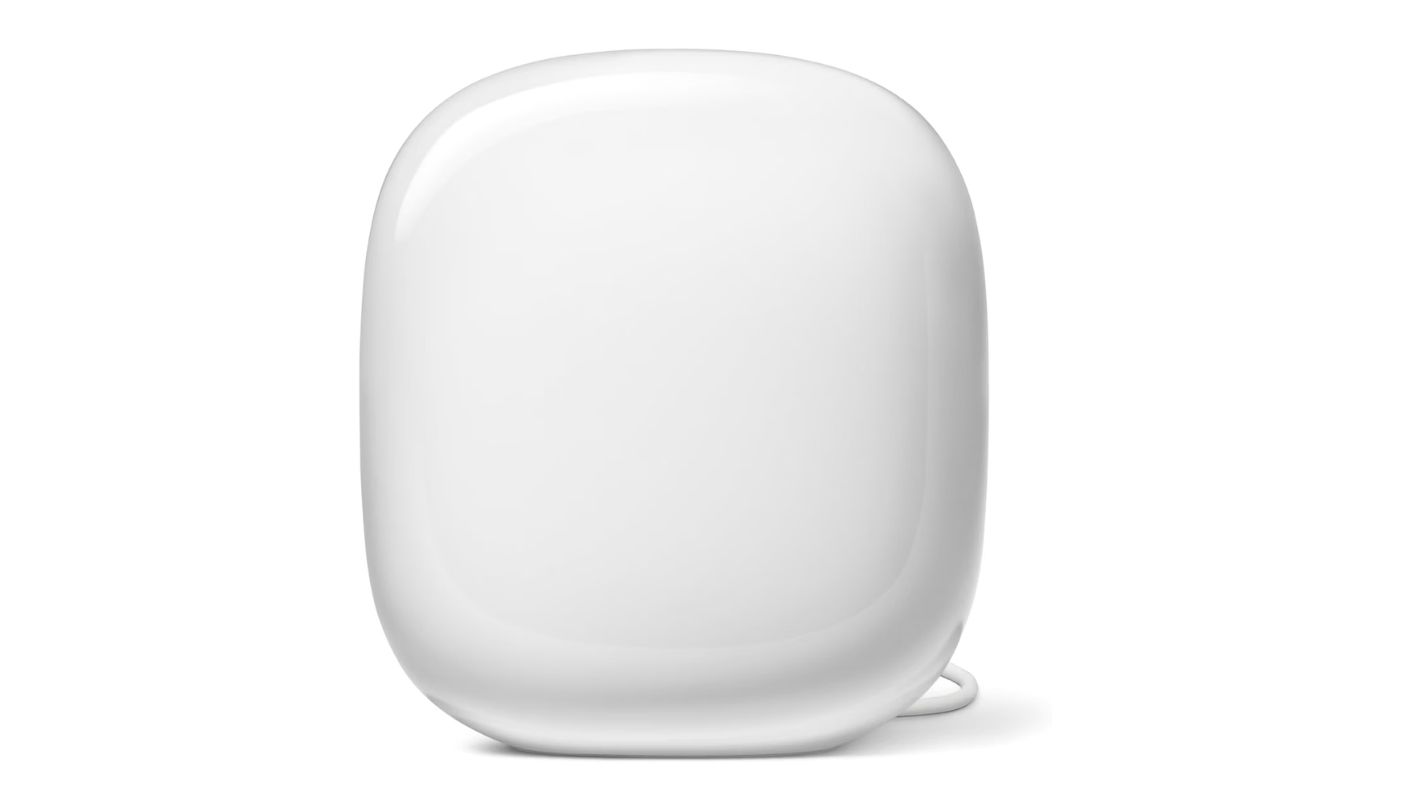
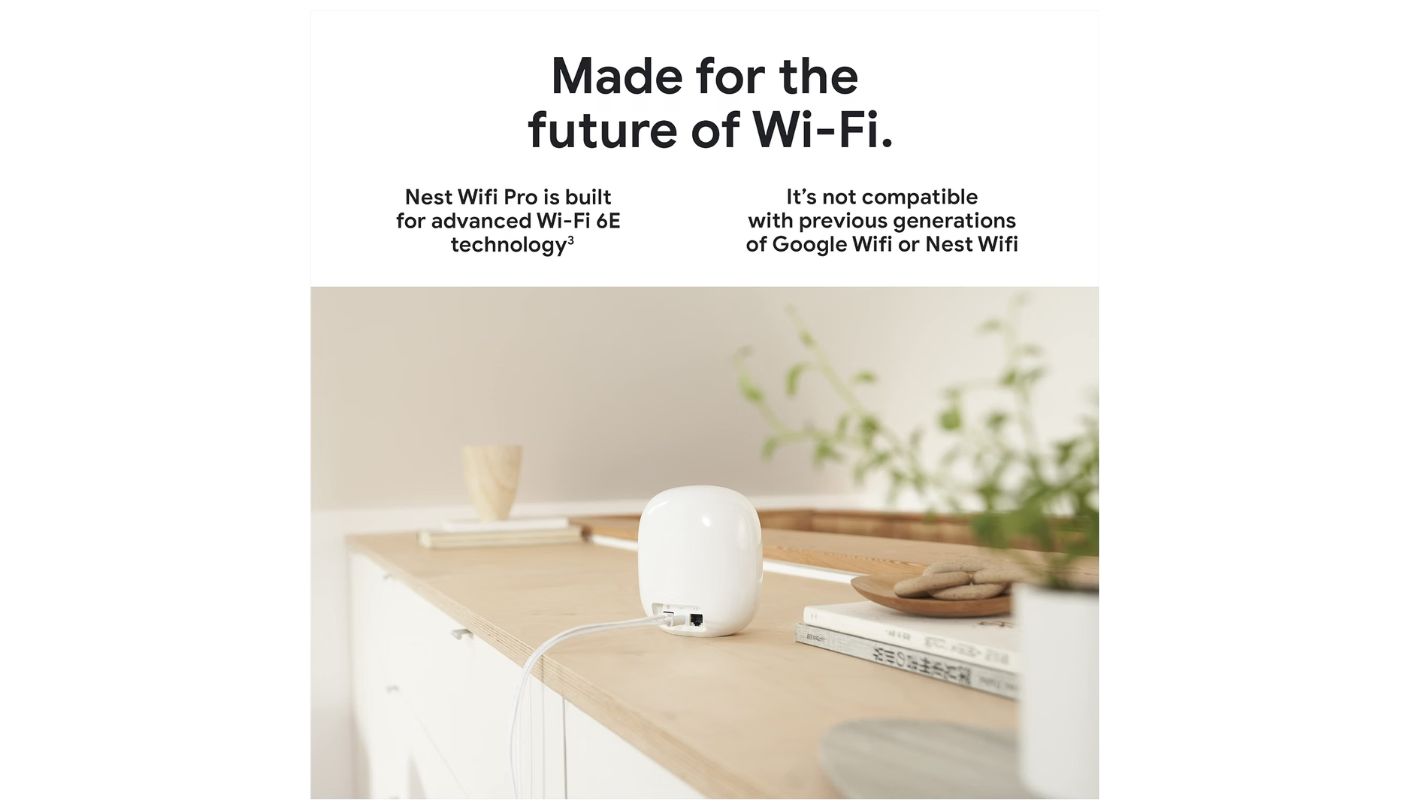
My first instinct was to skip anything older than Wi-Fi 7 for this roundup. The Google Nest Wifi Pro launched in 2022, uses the older standard and tops out at gigabit Ethernet. It stayed because it does a few things the newer kits here do not, and because a house built around Google Home runs more smoothly with it at the center.
The three-pack is rated for 6,600 square feet and 300 devices, or 100 per unit. Each router has 2x2 radios on 2.4, 5 and 6 GHz, with combined speeds of up to 4.2 Gbps, and Google designed the 6 GHz radio to support higher-power channels under AFC when they become available. Proactive band steering, 802.11k/v client steering and Auto-QoS for video calls run in the background without any settings to tweak. The mesh is expandable too, so a fourth or fifth router can join later if a wing of the house stays weak.
Smart home support is the main reason to buy it. The Nest Wifi Pro works as a Thread border router, supports Matter and includes Bluetooth Low Energy, so Thread sensors and Matter devices join a network that Google Home already understands. Device prioritization lets you push one gadget to the front of the queue for up to eight hours, which is handy during an important call or a large download.
The limits are clear. Each unit has two Ethernet ports at 1 Gbps, so wired backhaul and the internet connection both cap at gigabit speeds. The system cannot be mixed with the older Nest Wifi or Google Wifi hardware, and setup and management happen only in the Google Home app, which keeps advanced options to a minimum. Power users will miss the detail found in the Deco or Orbi apps.
A large home on a gigabit plan, with Google Home already running the lights, thermostats and cameras, is the natural fit. The simple app and built-in Thread support make it easy for every family member to live with, and the 300-device rating handles busy households comfortably. Plenty of households still run gigabit or slower plans, and for those homes the port limit never comes into play.
Pros:
- Thread Border Router
- 300-Device Rating
- AFC-Ready 6 GHz
- Auto-QoS For Calls
- Matter Support
Cons:
- Gigabit Ports Only
- Older Wi-Fi 6E Radio
Summary: The smart home pick for Google households, with Thread and Matter built in and a setup that lives entirely in the Google Home app. Anyone planning a multi-gig upgrade in the next few years should look at the Wi-Fi 7 kits instead.
Amazon eero Pro 7 Review
Fastest Ports
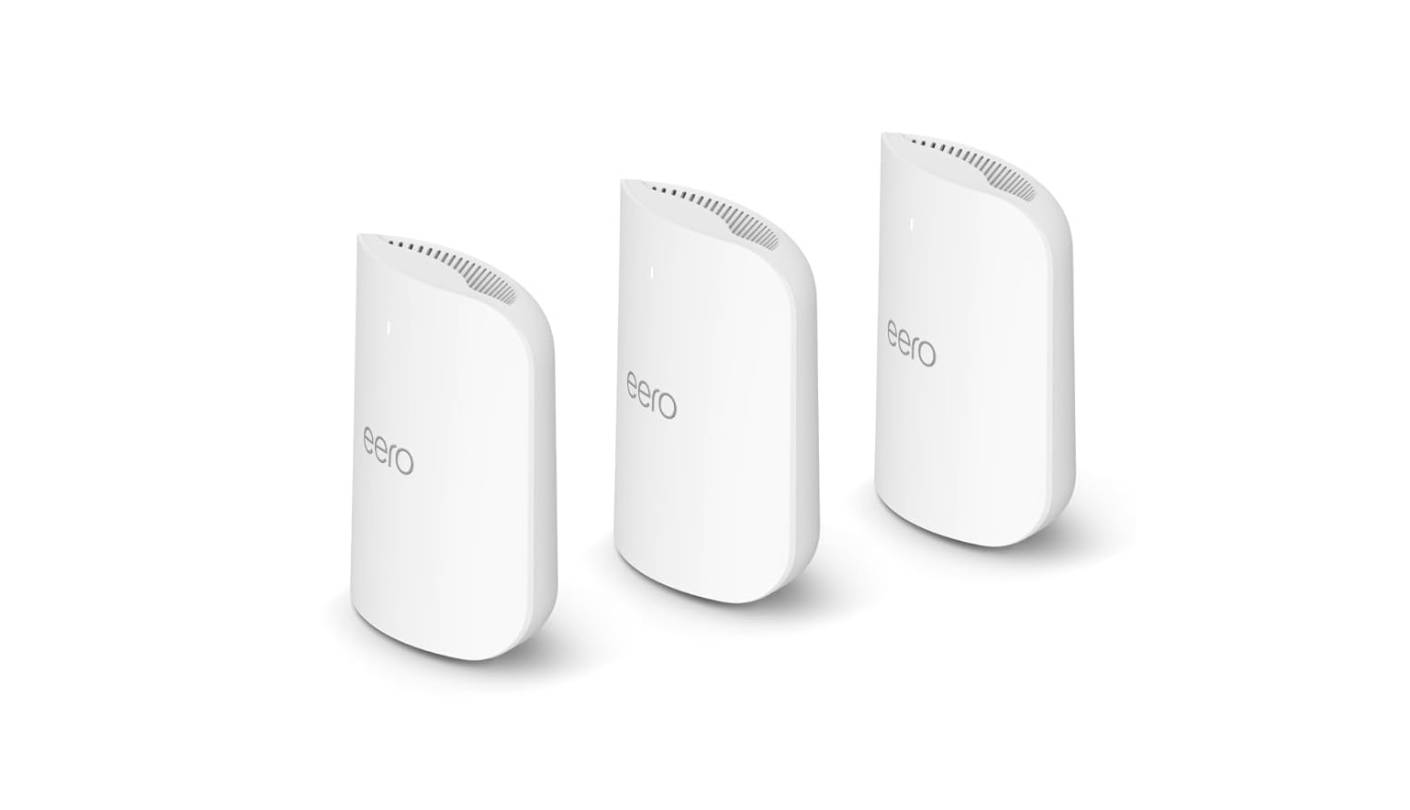
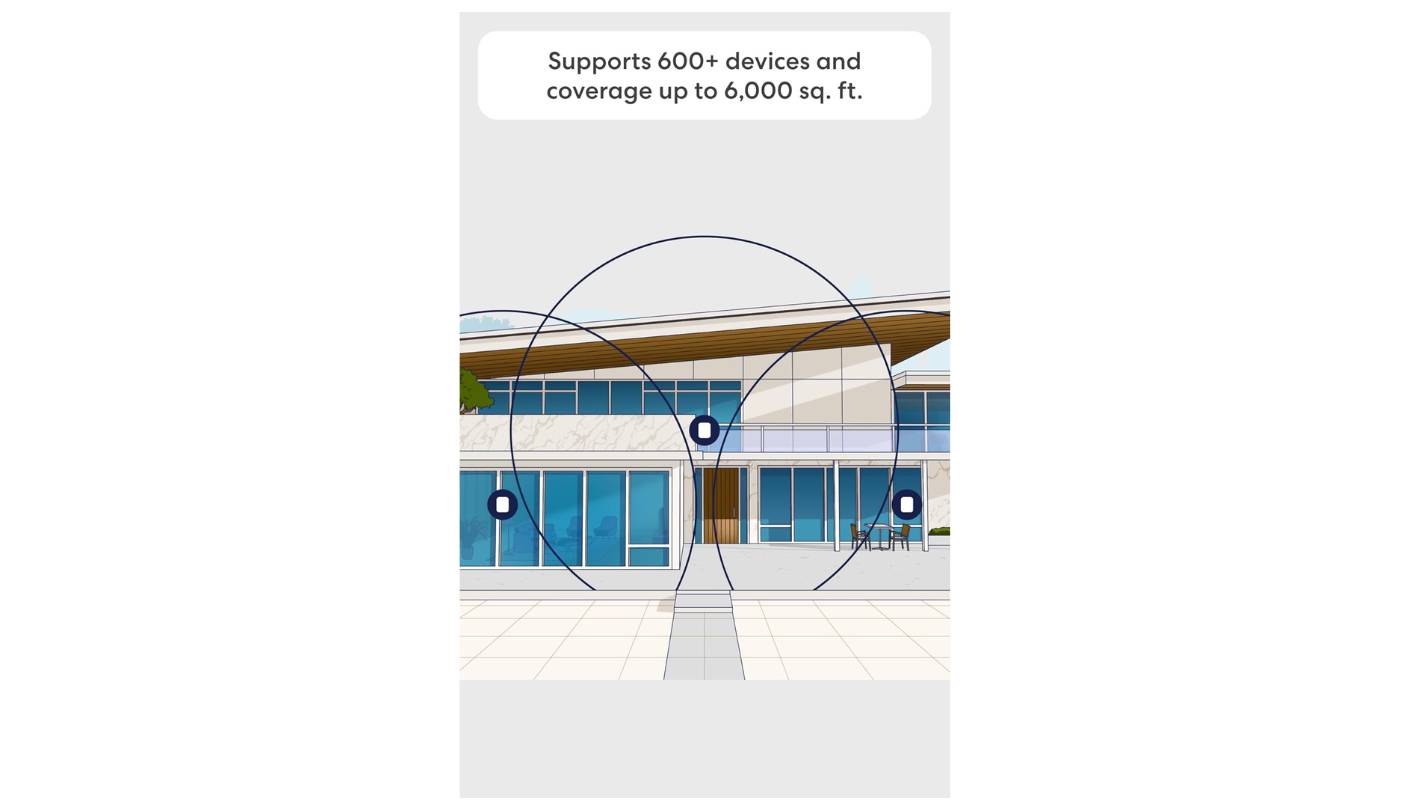
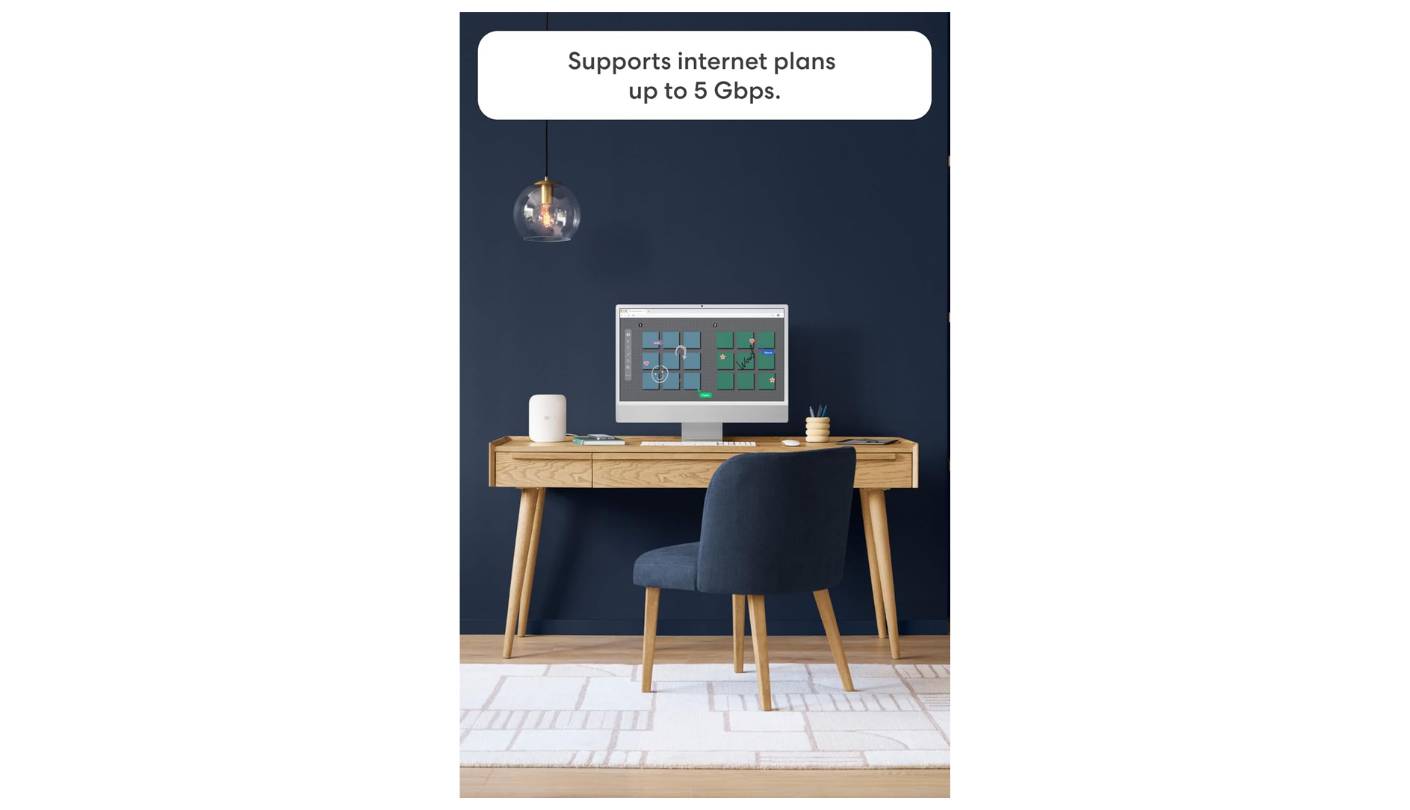
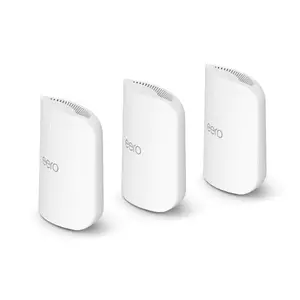
On paper, the Amazon eero Pro 7 has the smallest coverage rating here at 6,000 square feet, and eero quotes a modest wireless figure of up to 3.9 Gbps. Plug in a cable and the ranking turns upside down. Every unit carries two auto-sensing 5 GbE ports, the fastest wired connections among these five, and the three-pack is rated for more than 600 devices.
The radios are tri-band Wi-Fi 7 across 2.4, 5 and 6 GHz, with Multi-Link Operation and 4K-QAM. Each unit covers up to 2,000 square feet and 200-plus devices by eero's rating. One retailer that sells the system suggests about 1,500 square feet per unit is more realistic in a typical drywall home, which is useful honesty for anyone planning placement in a large house. The same retailer notes support for 320 MHz channels on 6 GHz, which gives the units a wide lane for backhaul when they sit within range of each other.
Smart home support goes wider than any rival here. The eero Pro 7 acts as a Thread border router and a Matter controller, and a built-in Zigbee hub connects compatible devices to Alexa without a separate bridge. Select Amazon Echo devices with eero built in can extend the network too. The eero app keeps setup simple, and Amazon says its support team answers by phone or email every day at no charge.
Security and advanced parental controls live in eero Plus, an optional subscription that new customers can try free for 30 days. The coverage rating means a very large home may need a fourth unit, which adds cost. Power comes through a 27W USB-C adapter on each unit, so placement needs an outlet nearby like any other mesh node.
For a household with a multi-gig plan, a home office full of wired gear and a large smart home, this kit makes the most sense. Two 5 GbE ports per unit leave room for plans above 2.5 Gbps, and the device rating comfortably covers a home full of sensors, cameras and streaming boxes. Buy a fourth unit up front if the floor plan is long or the walls are thick. Units can be added at any time through the app, so starting with three and expanding later is also a sensible path.
Pros:
- Two 5 GbE Ports
- 600+ Device Rating
- Built-In Zigbee Hub
- Thread And Matter
- Free Daily Support
Cons:
- Smallest Coverage Rating
- Security Needs eero Plus
Summary: The fastest wired ports here and the deepest smart home hub, with a coverage rating that asks for careful placement. Alexa households get the most value, since Zigbee and Matter devices connect without extra hardware.
Tenda ME3 Pro BE3600 Review
Entry Price
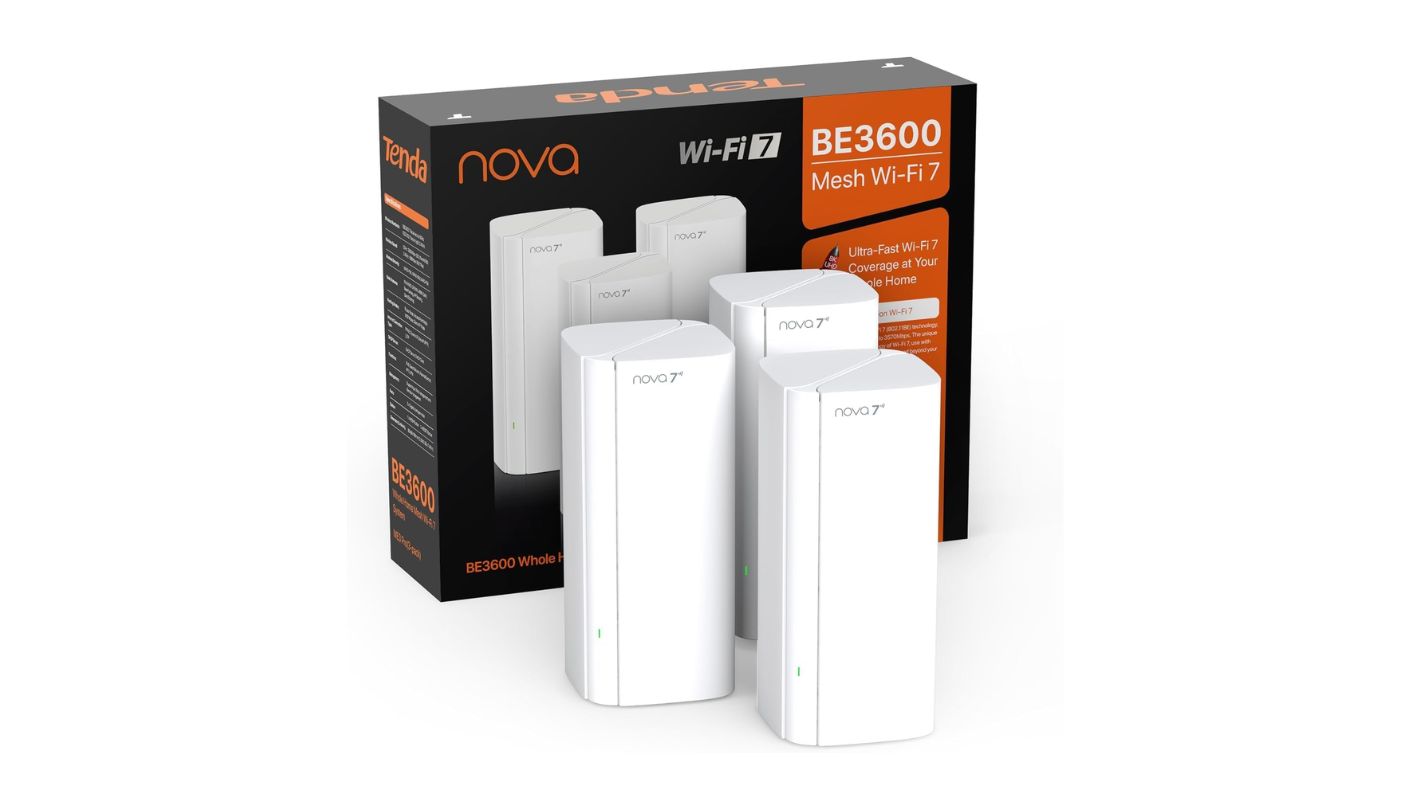
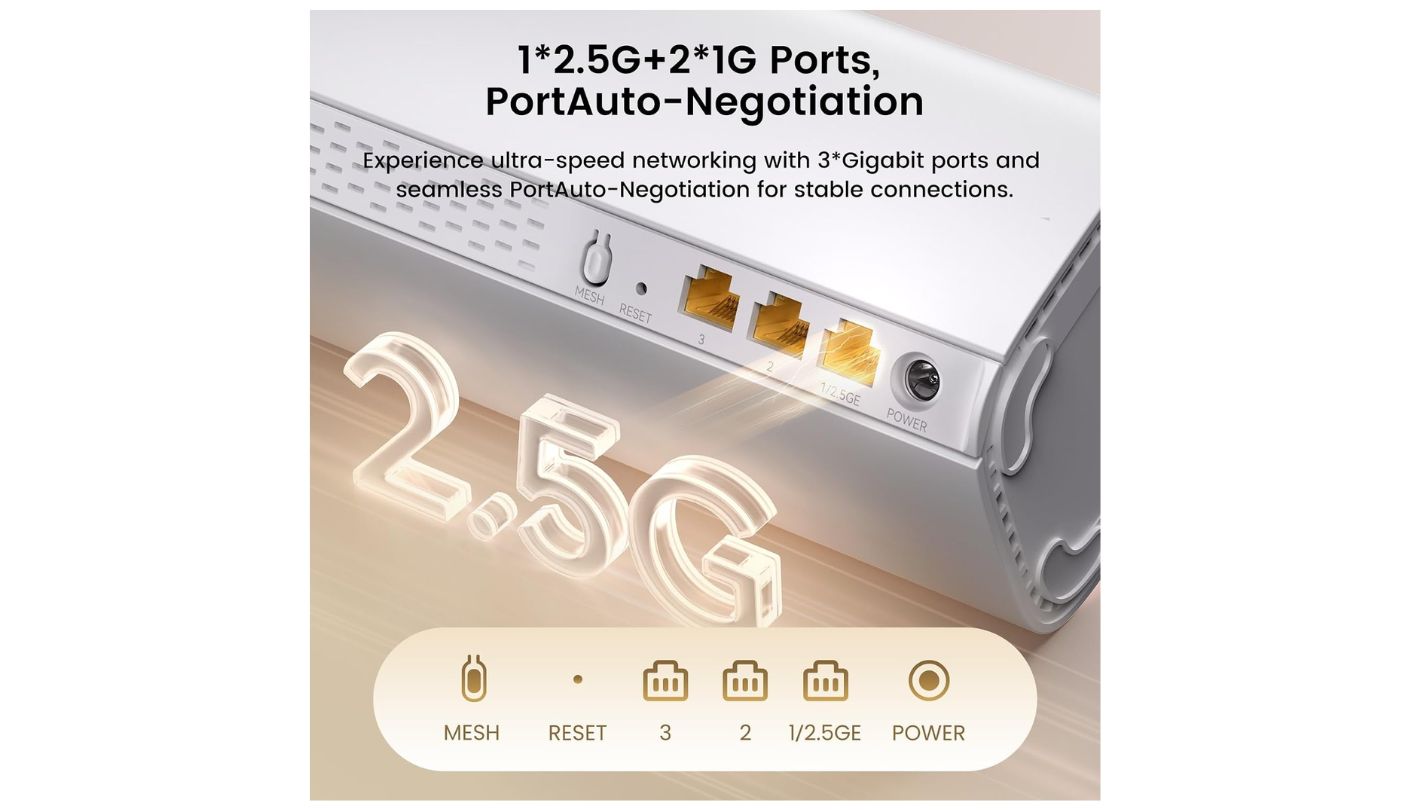
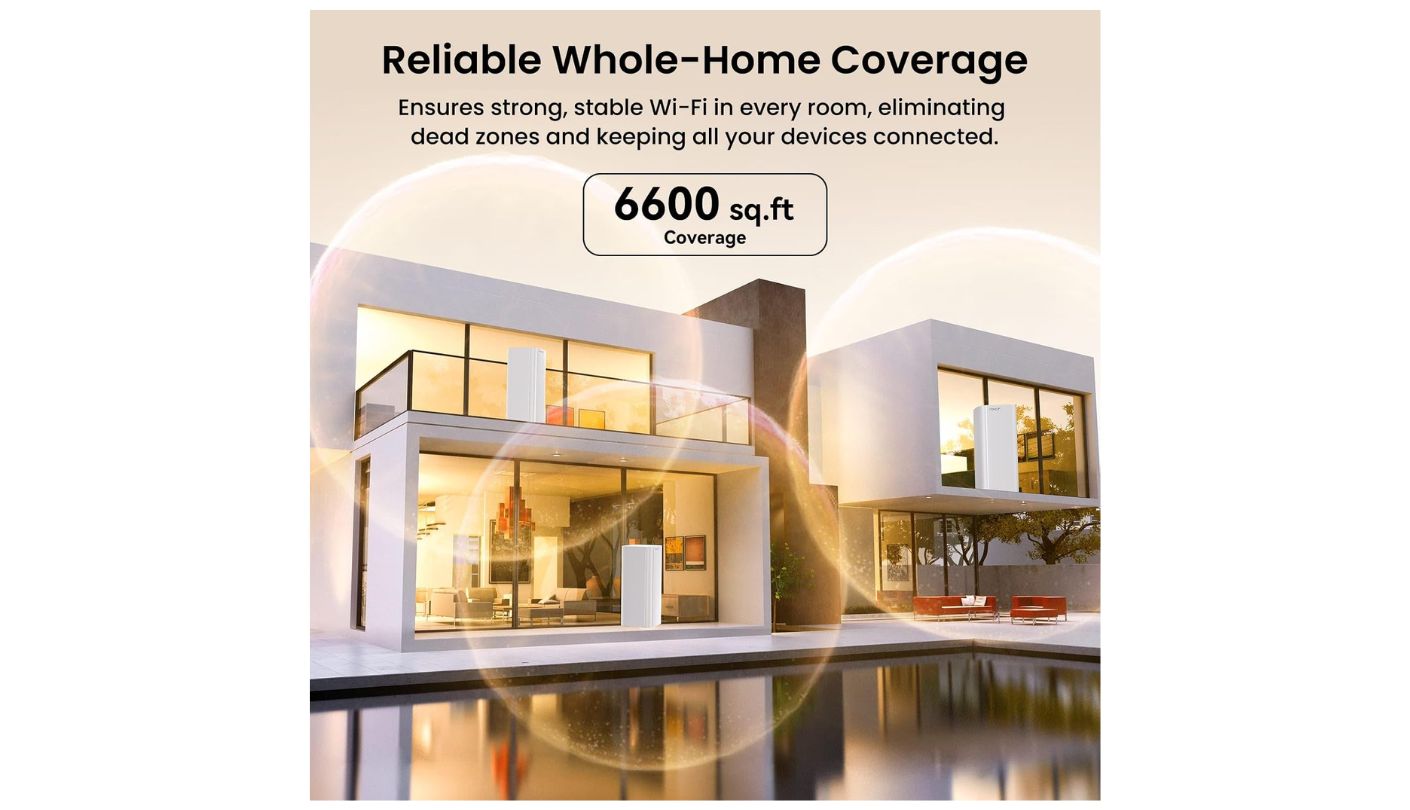
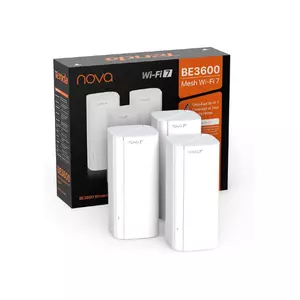
Can a dual-band kit handle a large home? The Tenda ME3 Pro BE3600 tries, and the answer hinges almost entirely on how you set it up. The three-pack listing claims 6,600 square feet and 160-plus devices with Wi-Fi 7 features like MLO and 4K-QAM, all at the lowest cost of any kit here. The catch is the missing third band.
Tenda rates the system at 3.6 Gbps combined, split into 2,882 Mbps on 5 GHz and 688 Mbps on 2.4 GHz. There is no 6 GHz radio, so the same 5 GHz band carries your devices and the link between units. Each wireless hop between satellites eats into speed, and in a big house with long distances between units, that shared backhaul is the first thing you will notice.
Coverage claims also vary between listings, which deserves a warning. The Amazon three-pack listing quotes 6,600 square feet and one 2.5G port alongside two gigabit ports, while the two-pack listing describes three gigabit ports and some Tenda materials quote much smaller coverage figures. Check the exact listing and the port line before you order, and treat the larger coverage number as a best case. This review relies on the three-pack listing alone for that reason.
Wired backhaul unlocks its potential. With Ethernet between units, the shared-band problem disappears and the satellites become wired access points. The Tenda Wi-Fi app handles setup and basic controls, and VPN support adds some flexibility. For a home on a gigabit or slower plan, the 2.5G port is plenty. Without cables, keep the satellites closer to the main unit than the coverage figure suggests, since a strong link between units matters more than stretching each one to its limit.
Ethernet already running through the walls is the ideal setup for this kit. Without those cables, a single-story house with short distances between units fares better than a tall one, since each floor adds another obstacle for a shared 5 GHz link. It is the cheapest way into Wi-Fi 7 mesh in this roundup, and for many households that matters more than peak throughput.
Pros:
- Wi-Fi 7 With MLO
- 2.5G Port Included
- 160+ Device Rating
- VPN Support
- Lowest Price Here
Cons:
- No 6 GHz Band
- Shared Wireless Backhaul
Summary: An affordable way into Wi-Fi 7 mesh for a large single-story home on a gigabit plan. Buyers comparing listings should double-check the port line, since different pack sizes describe different hardware.
Mesh Wi-Fi Questions From Big-House Owners
How many mesh units does a large home need?
Start with the maker's rating, then adjust for your building. As a rough guide, a three-pack handles many homes up to around 5,000 square feet with normal walls, and long single-story layouts, thick masonry or multiple floors often need a fourth unit. Placing units roughly halfway between the main router and each weak area works better than adding more units close together. Most mesh apps show the link quality between units, so move a satellite closer if it reports a weak connection.
Is Wi-Fi 7 worth it if my devices use Wi-Fi 6?
In a mesh system, often yes. Tri-band Wi-Fi 7 units use their fastest links to talk to each other, so older phones and laptops still benefit from a quicker connection between units. Your devices will not use Wi-Fi 7 features like MLO themselves, but the backbone of the network gets faster. As phones and laptops get replaced over the next few years, they will start using those features directly.
Should I run Ethernet between the units?
Whenever you can. Wired backhaul removes the wireless hop between units, which is the biggest speed loss in a large home. Even one cable to the farthest satellite helps. Match the cable to the ports: CAT5e covers gigabit and 2.5G links, and CAT6 or better suits 5G ports. Powerline or MoCA adapters can stand in where running new cable is impractical, using the home's electrical or coaxial wiring.
Can I mix brands or older units?
Generally not. Each brand's mesh only works with its own hardware, and even within one brand compatibility can break between generations. Google, for example, states that the Nest Wifi Pro cannot join a mesh network with the older Nest Wifi or Google Wifi. Plan on replacing the whole system when you upgrade.
Do I need the paid subscription?
No. HomeShield Pro, NETGEAR Armor and eero Plus add security filtering, advanced parental controls and extras like VPN apps, but the core Wi-Fi network works without them. Try the free features first and subscribe only if you miss something specific. Trials, such as the 30 days Netgear and eero offer, are a good window to decide.
Does 6 GHz reach through floors and walls?
Not as well as lower bands. Higher frequencies lose strength faster through walls and floors, so 6 GHz works best within a room or between units with a clear path. Systems that lean on 6 GHz for backhaul need their units a little closer together, and devices far from any unit fall back to 5 GHz or 2.4 GHz automatically.
Will my ISP's router get in the way?
It can. Running a mesh system behind an ISP router that also routes traffic creates double NAT, which can trouble gaming, video calls and port forwarding. Put the ISP's device into bridge or modem-only mode if possible, or set the mesh system to access point mode as a fallback.
Where should the main unit go?
Near the modem, but out in the open, raised off the floor and away from metal cabinets, aquariums and thick walls. A central location helps if your cabling allows it, and a short Ethernet run from the modem to a more central spot is often worth the effort. In a multi-story home, satellites on landings or upper hallways often reach both floors better than units tucked in corners.
Coverage Starts With a Floor Plan
None of these kits can fix a large home on its own. Placement, a cable or two, and an honest look at your device count do as much as any spec sheet, and the best mesh system for you has a weak point your house never tests.
For most big homes, I would start with the Deco for its ports and hybrid backhaul, or the Orbi if coverage matters more than device count. Smart home fans have two strong alternatives in the eero and the Nest, depending on whether Alexa or Google runs the house. Count your gadgets, find your Ethernet jacks, and the shortlist shrinks to one or two kits within minutes.

Jeb here, your go-to geek for everything from video projection to the latest tech trends. As an avid outdoorsman, I enjoy using monoculars and binoculars for hunting, traveling, and birdwatching. Join me in exploring the cool, quirky side of technology!


